
Pulse monkey logo pulse Download 0.1.0
new drop - version 0.1.0

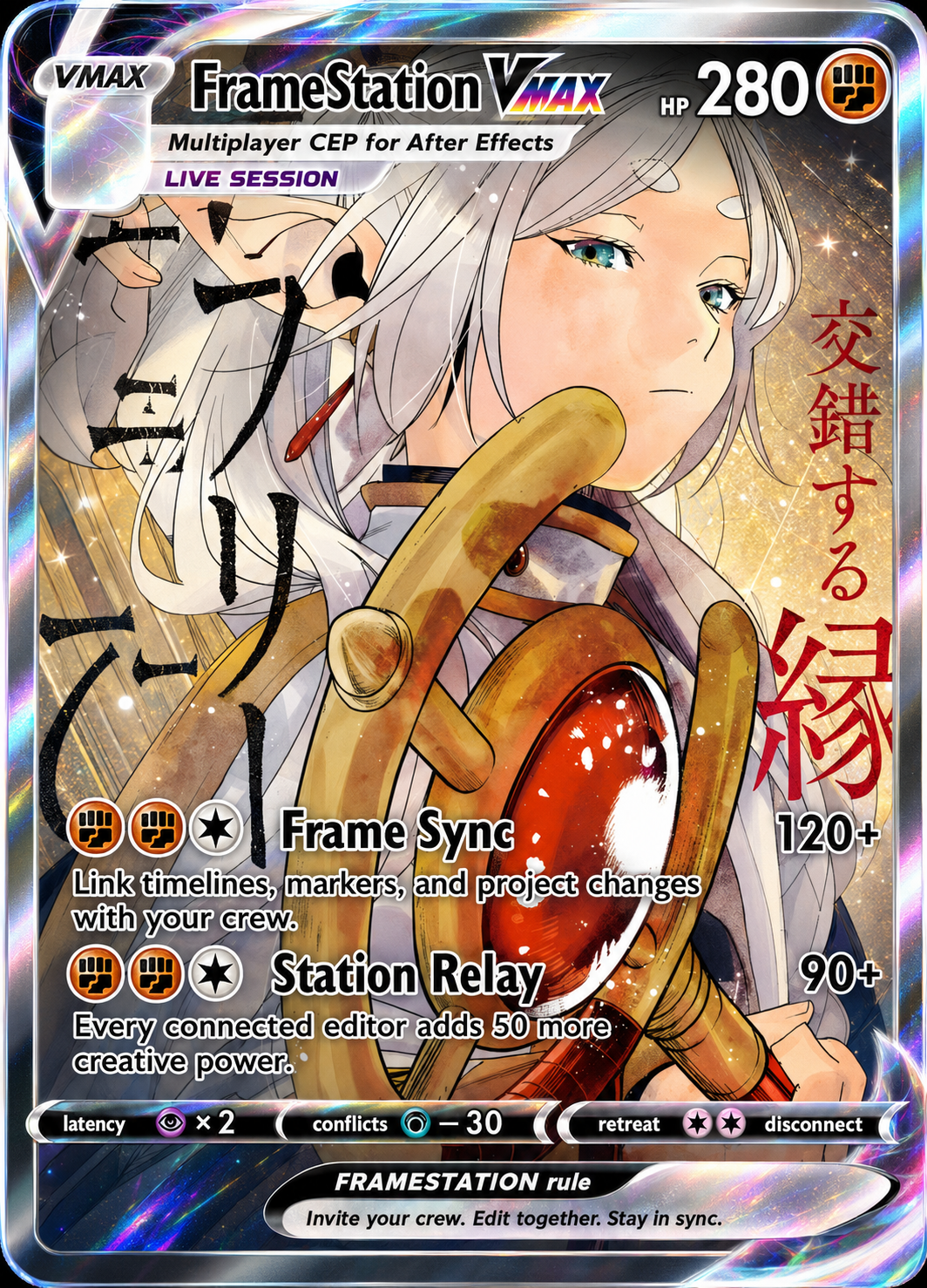
FrameStation VMAX

Collaborate without leaving After Effects. Create or join a room, see who is present, move verified project packages, and keep edits in sync from a compact XMB-style panel.

New Windows After Effects Setup EXE
New / 001 FrameStation product card

Launch details

Version0.1.0
PlatformWindows
InstallPer-user - no admin
Open in AEWindow > Extensions

Built to sync

Work in one room

  • Shared presence: create or join a room and see who is working with you.
  • Project handoff: send project packages with size checks and SHA-256 verification.
  • Ordered edits: the host coordinates revisions so collaborators receive changes in order.

An XMB inside AE

  • Compact navigation: move through rooms, members, chat, projects, and settings from one panel.
  • Your look: choose from ten wave colors, navigation sounds, and optional background music.
  • Local preferences: appearance choices stay on your computer between sessions.

Install in three moves

Windows setup

  • 1. Download: grab the 0.1.0 setup file from this page.
  • 2. Run it: install for your Windows user; administrator access is not required.
  • 3. Open it: restart After Effects, then choose Window > Extensions > FrameStation.

Before you run it

  • Unsigned release: Windows may show a SmartScreen warning because this build is not code-signed.
  • Verify the file: compare its SHA-256 checksum with the published checksum list.
  • Easy removal: FrameStation appears in Windows Installed Apps with a normal uninstaller.